Connect Kisi
Office attendance from door-unlock events — first-unlock and last-unlock of each day per employee.
Prerequisites
- Kisi admin with API access enabled
- A PerfCopilot admin account (the Connect button is only visible to admins)
1. Generate credentials in Kisi
- Sign in to the Kisi web app at https://web.kisi.io.
- Open Account → Integrations → API.
📖 Official guide: Generate an API key — Kisi's own documentation for creating this credential.
- Click Generate API key and copy the key shown on screen.
Copy these values; you'll paste them in the next step:
API key
2. Paste into PerfCopilot
-
Open Integrations on your PerfCopilot admin.
-
Find the Kisi card and click Connect (or Manage if already configured).
-
Paste each value into the matching field:
| Field in PerfCopilot | Value from step 1 | |---|---| | API key |
<your value>| -
Click Save.
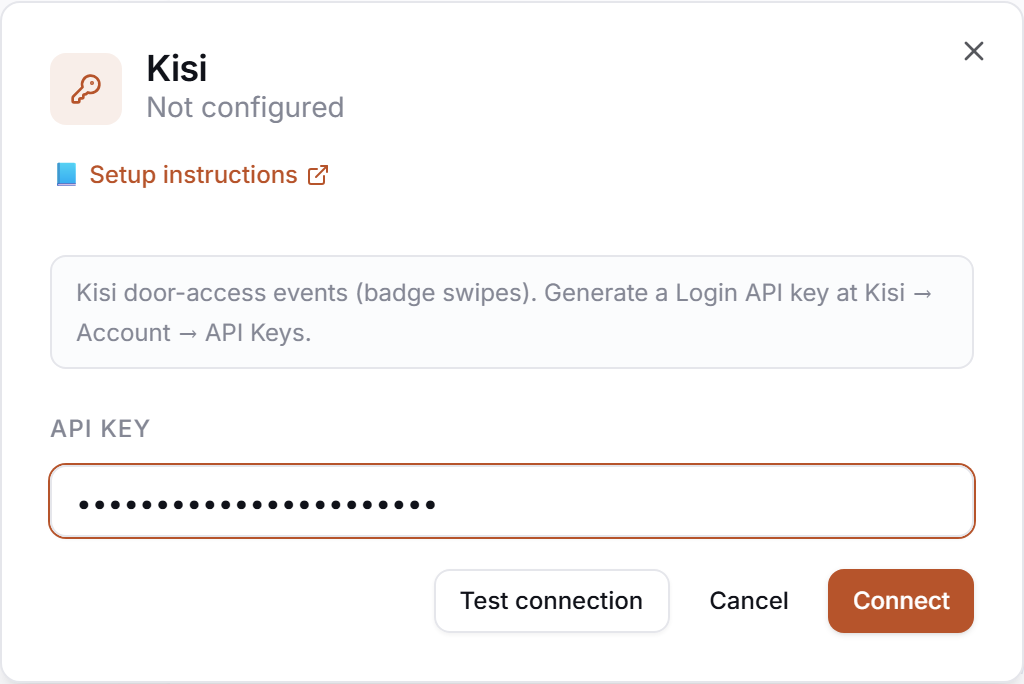
3. Verify
Click Test in the drawer. Expected:
✅ Authenticated as your.name@company.com
If you see a red error, jump to Common errors.
Common errors
| Message | What it usually means | Fix |
|---|---|---|
| HTTP 401: Unauthorized | Wrong API key. | Regenerate under Account → Integrations → API and re-paste. |
| HTTP 403: forbidden | Key was generated under a sub-account without org-wide scope. | Regenerate the key from the org-owner account and re-paste. |
| HTTP 401: <body excerpt> | Credentials rejected. | Re-check that you copied the full token, no leading/trailing whitespace. |
What signals we pull
attendance— daily first/last door unlock
Need a feature you don't see? Tell us →.